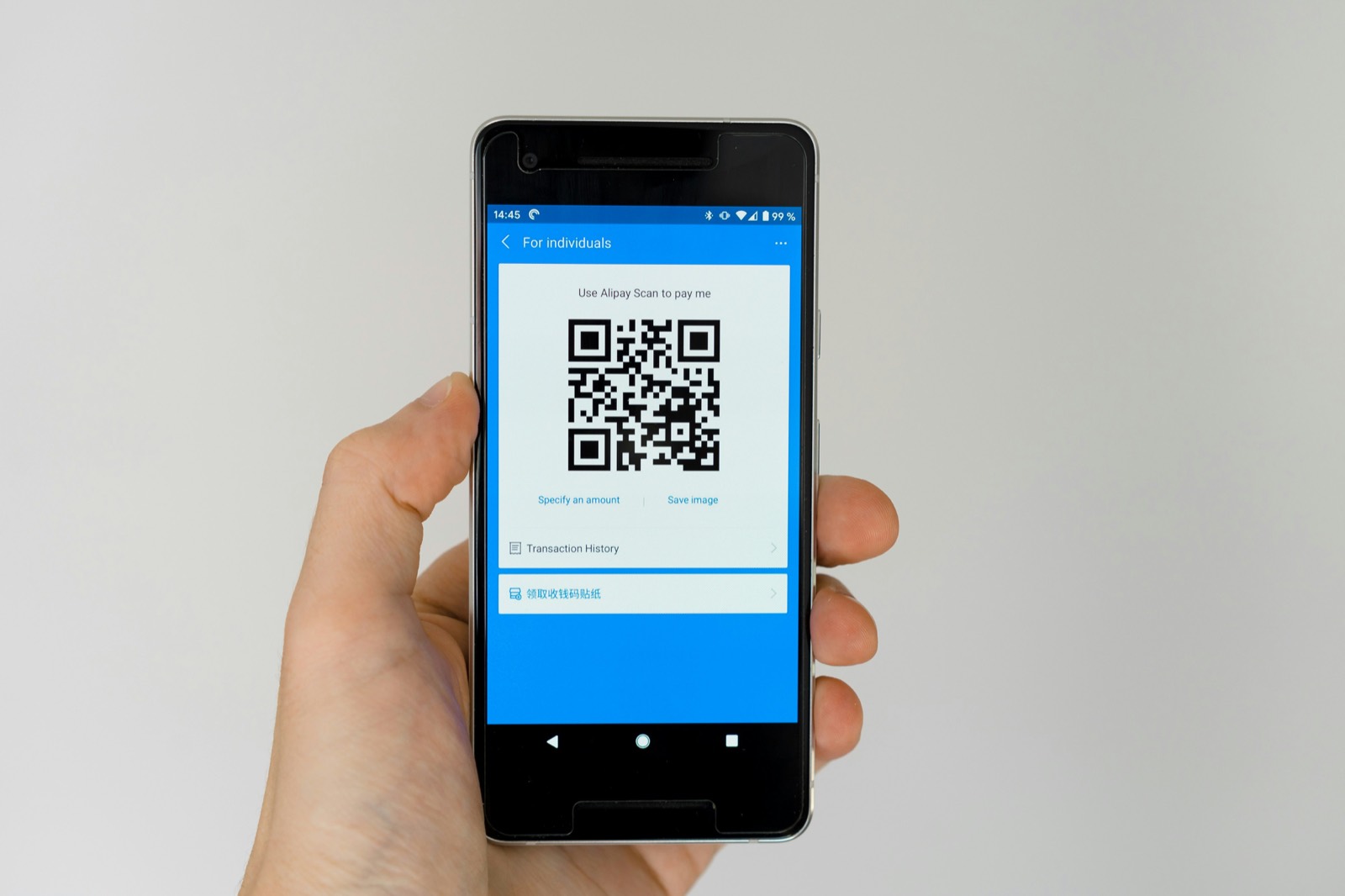
You do not need any hardware to run a loyalty program. No terminal, no card printer, no scanner, and no point-of-sale integration. With Card Club, the phone already in your pocket is the whole system, and you can be live before your next customer walks in.
If you have ever put off starting a loyalty program because it sounded like a tech project, this is for you. Here is exactly what it takes.
Why hardware-free matters
Most loyalty tools ask you to buy something or plug into something. A card printer, a dedicated scanner, a tablet, or an integration with whatever point-of-sale system you already run. Every one of those is a cost, a delay, and a reason to give up before you start.
Hardware-free removes all of that. There is nothing to buy, nothing to install at the counter, and nothing to break on a busy morning. It also keeps your costs down, which we break down in how much a loyalty program costs.
What you actually need
Just two things, and you already have both:
- A phone. Yours, to set up the program and to scan customers.
- Your customers' phones. Where their card lives, in the wallet already built in. They install nothing, which is why customers do not need to download an app.
That is the entire equipment list.
The setup, step by step
Setting up takes a few minutes in a guided flow. Roughly, you will:
- Create your store with your business name.
- Pick your goal and program type. Stamps or points, depending on what fits your shop. If you are unsure, punch cards vs points covers the choice.
- Choose your reward, for example a free drink or a discount.
- Design the card with your logo and color, with a live preview as you go.
- Publish. You now have an enrollment link and a printable QR flyer.
No part of this asks for hardware, a developer, or a point-of-sale connection.
Scanning at the counter with your phone
Here is how it works in store once you are live:
- A customer scans your QR code and adds the card to their wallet.
- When they buy something, you open the app and scan the QR on their card.
- You add a stamp or points, or redeem a reward. Done.
Your phone is the scanner. And because real counters have patchy signal, scanning is built to be offline-aware: it keeps working when the connection drops, and it will not double-count a customer if you scan twice or the app retries.
Adding your team
You will not be the only one at the counter, so your staff can help without using your phone or your login. Invite them, give each person the right role, and they scan customers from their own phone. Owners keep control of the card design, the numbers, and the settings, while the front-line team can do the day-to-day scanning.
Going live today
Because there is no hardware to order and nothing to wait for, "starting" and "going live" are the same afternoon. Publish your program, put the printable QR flyer on the counter, and your first customer can be holding their card minutes later.
Common questions
Do I need a special scanner for a loyalty program? No. Your own phone is the scanner. There is no separate device to buy.
Does it have to connect to my point-of-sale system? No. Card Club runs alongside whatever you already use to take payment. There is no integration to set up.
What if my internet drops during a rush? Scanning is offline-aware. It keeps working when the signal is weak and uses safeguards so a customer is never charged a stamp twice.
Can my staff help without my phone? Yes. Invite your team and each person scans from their own phone with their own role. You stay in control of the card, the data, and the settings.
How long until it is running? Minutes. Setup is a short guided flow, and since there is no hardware to wait for, you can go live the same day.
Ready to start with just the phone in your pocket? Download the app and publish your program today.